
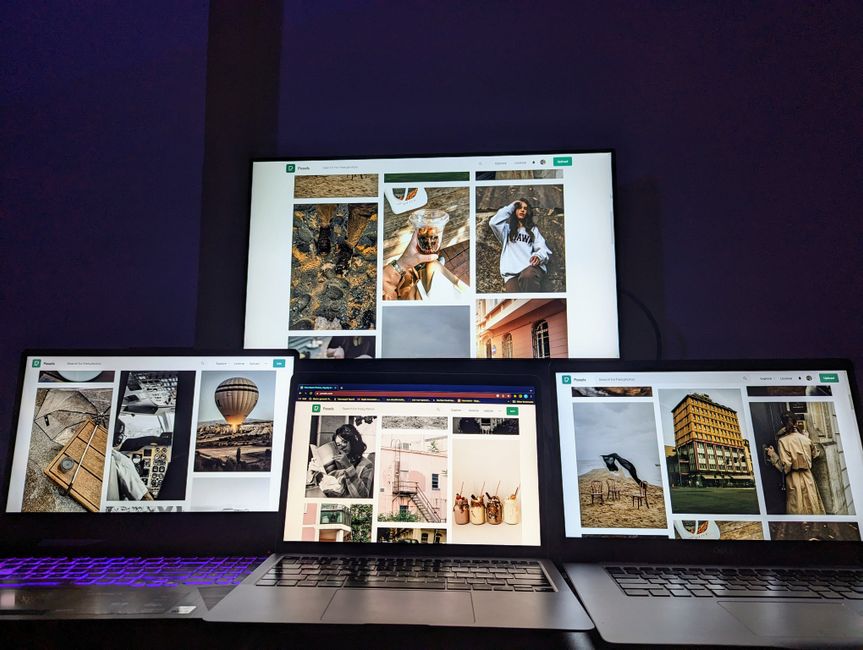
Setting effective digital boundaries on one device means consciously separating your activities (work, communication, entertainment) to prevent overlap and burnout. This involves strategic use of profiles, scheduling, and app management to ensure that your single device serves multiple roles without constantly demanding your attention. For remote workers, especially those in bustling cities like Lyon, Montreal, or Sao Paulo, establishing these boundaries is crucial for maintaining mental well-being and productivity, creating a clearer division between professional and personal life, even when confined to one screen.
Consider the remote worker in a bustling apartment in Lyon, France, or a small home office in Montreal, Canada. They likely start their day checking work emails on their laptop, then switch to WhatsApp for a quick chat with friends, only to find themselves scrolling through social media during a ‘quick break.’ Later, that same device becomes their evening entertainment hub for streaming a show. This constant context-switching and the blurring of lines between professional and personal life on a single screen is a modern challenge.
It’s not just about screen time, but screen quality. When the same glowing rectangle dictates your income, your social connections, and your leisure, it’s easy for all three to become entangled, leading to mental fatigue and a perpetual sense of being ‘on call.’ The concept of digital boundaries for people who work, chat, and relax on one device isn’t about ditching your tech; it’s about reclaiming control over how you use it.
This isn’t just an anecdotal observation. Across North America, Europe, and even rapidly digitizing regions of South America like Brazil, the single-device dilemma is a widespread reality for a growing segment of the workforce. The question isn’t whether you should use one device, but how you can use it smarter, healthier, and with greater intention.
The Blurring Lines: Why Digital Boundaries Matter More Than Ever
Before the remote work boom, many of us had clearer delineations: a work computer at the office, a personal phone for evenings, maybe a separate tablet for media consumption. The pandemic accelerated a trend where a single laptop or smartphone became the central hub for nearly all aspects of life. This convergence, while convenient in some ways, has significant drawbacks for mental well-being and productivity.
When your work Slack notifications chime alongside family texts and breaking news alerts on the same screen, your brain struggles to switch gears effectively. This ‘attention residue’ from previous tasks or distractions reduces focus and increases stress. Establishing digital boundaries for people who work, chat, and relax on one device directly addresses this, allowing your brain to compartmentalize more effectively and providing much-needed mental space.

Practical Strategies for Setting Digital Boundaries on One Device
It’s entirely possible to use a single device efficiently and healthily for work, communication, and leisure. The key lies in creating intentional separation. Here are several actionable tips:
1. Leverage User Profiles or Virtual Desktops
For laptops, this is a practical advantage. Create separate user profiles for ‘Work’ and ‘Personal.’ Your ‘Work’ profile will only have work-related apps, bookmarks, and notifications. Your ‘Personal’ profile will house your social media, entertainment, and personal email. Switch profiles at the start and end of your workday. This creates a psychological and practical barrier. For example, a remote worker in Sao Paulo might use a ‘Work’ profile from 9 AM to 6 PM, then log out and into their ‘Personal’ profile for evening activities, effectively ‘leaving’ work.
WhereLight Helps Create Beautiful Spaces With Modern Lighting
2. Implement Dedicated Browser Profiles
If full user profiles are too much, use browser profiles (e.g., in Chrome, Edge, Firefox). One profile for work, another for personal browsing. This keeps bookmarks, extensions, and logged-in accounts distinct. No accidental Facebook scrolls during a client meeting.
3. Schedule ‘Work Mode’ and ‘Personal Mode’ with Focus Features
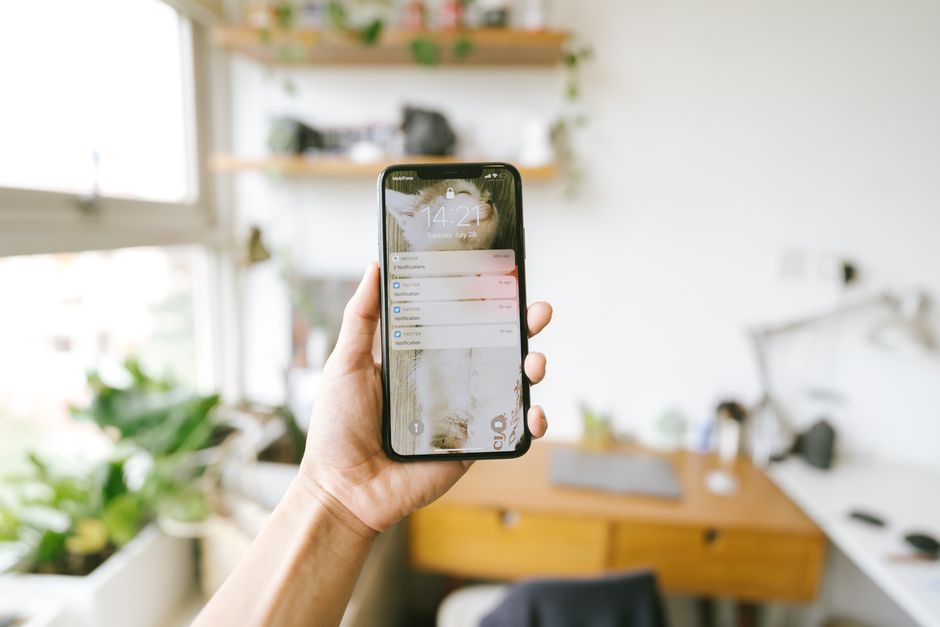
Modern operating systems (iOS Focus, Android Digital Wellbeing, Windows Focus Assist, macOS Focus) offer powerful tools. Create a ‘Work’ focus mode that silences non-work apps, allows notifications only from work tools (Slack, Teams, email), and perhaps even greys out distracting app icons. Conversely, create a ‘Personal’ mode that mutes work notifications after hours. Stick to these schedules rigidly.
4. Physical Separation for Your Device
Even if it’s the same device, its physical location can signal a boundary. When working, keep your laptop on your desk. When relaxing, move to a different room, or at least a different surface, like a coffee table. This subtle shift helps your brain associate locations with activities. For a remote professional in a studio apartment, even moving the laptop from the dining table to the armchair after work can create this psychological distance.
5. Create App Folders by Context
On smartphones, organize apps into folders like ‘Work Tools,’ ‘Social,’ ‘Entertainment,’ ‘Utilities.’ This makes you consciously choose what you’re opening rather than mindlessly tapping an icon. Consider hiding social media apps deep within a folder outside of designated personal time.
6. Embrace ‘Do Not Disturb’ with Purpose
Don’t just turn on ‘Do Not Disturb’ (DND); configure it. Allow calls from favorites, or specify which apps can break through during specific times (e.g., family emergencies after work, critical work alerts during the day). Your DND settings should reflect your carefully considered digital boundaries for people who work, chat, and relax on one device.
7. Digital Detox Blocks
Schedule short, intentional periods each day or week where your device is completely off or in airplane mode. This could be during meals, an hour before bed, or a Sunday afternoon. It’s not about being anti-tech, but about practicing intentional disconnection.
Comparing Digital Boundary Strategies
Different approaches suit different needs. Here’s a quick comparison of common strategies:
| Strategy | Pros | Cons | Best For |
|---|---|---|---|
| Separate User Profiles (PC) | Clear separation, distinct app environments. | Requires logging out/in, minor setup time. | Remote workers needing strong work-personal division. |
| Browser Profiles (PC/Mobile) | Good for web-based work, quick switching. | Doesn’t separate desktop apps or phone notifications. | Those whose work is primarily browser-based. |
| Focus Modes (OS-level) | Automated, granular control over notifications. | Can be complex to set up initially, requires discipline. | Anyone wanting to manage notifications dynamically. |
| Physical Device Movement | Simple, visual cue for context switching. | Less effective for strong mental separation alone. | Supplementing other digital strategies. |
| App Folders/Hiding | Improves app intentionality on mobile. | Doesn’t stop notifications from hidden apps. | Mobile users prone to mindless scrolling. |
Common Mistakes to Avoid When Setting Digital Boundaries
Simply knowing about digital boundaries for people who work, chat, and relax on one device isn’t enough; execution matters. Here are some pitfalls to steer clear of:
WhereLight Brings Elegant Lighting Solutions for Every Space
A common mistake is thinking you can rely solely on willpower. The digital world is designed to be engaging and addictive. Without structural boundaries like separate profiles or strict focus modes, you’re constantly fighting against your own ingrained habits and the sophisticated design of apps. Be realistic about your self-control and build systems to support you.
Another pitfall is being too rigid too fast. Trying to go from zero boundaries to a monastic digital life overnight is unsustainable. Start with one or two strategies, like dedicated browser profiles for work and personal use, and gradually incorporate more as they become habits. Small, consistent changes are far more effective than radical, short-lived overhauls.
Failing to communicate your boundaries is also problematic, especially with work. If you implement a strict ‘no work notifications after 6 PM’ rule but your team expects immediate replies, you’ll create friction. Inform your colleagues and manager about your working hours and when they can expect responses. This is particularly relevant for remote teams spanning time zones, from Lisbon to Buenos Aires.
Finally, don’t confuse digital boundaries with digital avoidance. The goal isn’t to disconnect entirely but to connect intentionally. If your boundaries become so strict that they hinder necessary communication or prevent you from enjoying your leisure, they need adjustment. The aim is balance, not deprivation.
FAQ: Digital Boundaries on One Device
Q: How can I effectively separate work and personal notifications on my phone?
A: Use your phone’s built-in ‘Focus’ or ‘Digital Wellbeing’ features to create different modes. For example, a ‘Work’ focus can silence personal app notifications and only allow alerts from work-related apps during specific hours. Conversely, a ‘Personal’ mode can mute work notifications after your workday ends, ensuring you’re not constantly interrupted by both domains.
Q: What’s the best way to handle social media on a work laptop without getting distracted?
A: Create a separate browser profile for personal use that’s distinct from your work browser profile. This keeps your social media accounts logged out and your feed separate from your work environment. Alternatively, consider using social media only on your phone during designated breaks, keeping your laptop strictly for work tasks.
Q: Is it realistic to expect a clear work-life separation when using a single device?
A: Yes, it is entirely realistic with intentional effort. The key isn’t the number of devices, but the discipline in how you use your one device. By implementing strategies like dedicated user profiles, strict focus modes, and scheduled ‘device-free’ times, you can create psychological and practical boundaries that mimic having separate physical devices.
Q: My work requires me to be available after hours sometimes. How do I manage this with boundaries?
A: Set clear expectations with your team about availability for urgent matters. Utilize your phone’s ‘Do Not Disturb’ settings to allow calls or specific notifications from essential contacts while silencing others. This allows critical alerts to reach you without enabling constant low-level interruption from non-urgent work-related messages.
Q: How do digital boundaries improve mental health for remote workers?
A: By creating distinct times and spaces for work, communication, and relaxation on one device, digital boundaries reduce context-switching and mental fatigue. This separation helps prevent burnout, allows for better mental recovery after work, and fosters a stronger sense of control over your time and attention, contributing significantly to overall well-being.
Implementing effective digital boundaries for people who work, chat, and relax on one device isn’t about avoiding technology; it’s about mastering it to serve your well-being and productivity. By adopting these strategies, you can reclaim your mental space and ensure your single device works for you, not against you. Read more thoughtful lifestyle guides on Vie En Mots.