
Achieving reliable home Wi-Fi planning for old buildings and thick walls primarily involves moving beyond a single router. The most effective solution is often a mesh Wi-Fi system, which uses multiple interconnected access points to blanket your home in a strong, consistent signal. Strategic placement, understanding signal attenuation, and leveraging technologies like Wi-Fi 6 can dramatically improve coverage and speed, transforming problematic areas into usable internet zones, whether your home is in Europe, North America, or South America.
That beautiful old house with its charming quirks – the exposed brick, the sturdy stone foundation, the plaster and lath walls – often hides a secret enemy of modern life: terrible Wi-Fi. You know the drill: lightning-fast internet near the router, but a frustrating crawl or complete dead zone just a few rooms away. Streaming grinds to a halt, video calls freeze, and even simple web browsing becomes an exercise in patience. This isn’t just an annoyance; it’s a real barrier to how we live and work today.
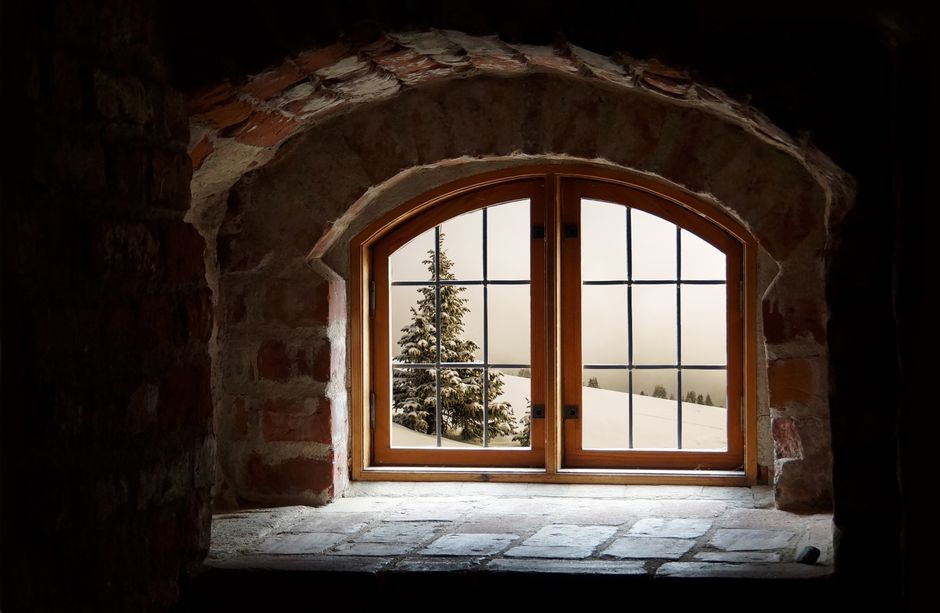
The problem isn’t usually your internet service provider (ISP) or even your connection speed; it’s the physical structure of your home. Thick stone, brick, concrete, and even older plaster-and-lath construction are notorious for absorbing and reflecting Wi-Fi signals, effectively creating Faraday cages within your own dwelling. If you’ve ever tried to get a solid signal in a pre-war apartment in Buenos Aires, a centuries-old farmhouse in the French countryside, or a brownstone in Boston, you know exactly what I’m talking about. Traditional single routers just can’t punch through these architectural fortresses.
Thankfully, living in an old building doesn’t mean resigning yourself to a life of patchy internet. With the right approach to home Wi-Fi planning for old buildings and thick walls, you can enjoy solid connectivity throughout your entire space. It’s not about magic, but about understanding how Wi-Fi works and choosing the right tools for the job.
Getting Started: Your Wi-Fi Checklist for Challenging Spaces
Before diving into specific solutions, here’s a quick overview of what you’ll need to consider when planning your Wi-Fi for an older home:
- Understand Your Home’s Layout: Draw a rough floor plan, noting where you use Wi-Fi most and where signals drop.
- Identify Obstructions: Pinpoint major signal blockers like fireplaces, load-bearing walls, and large appliances.
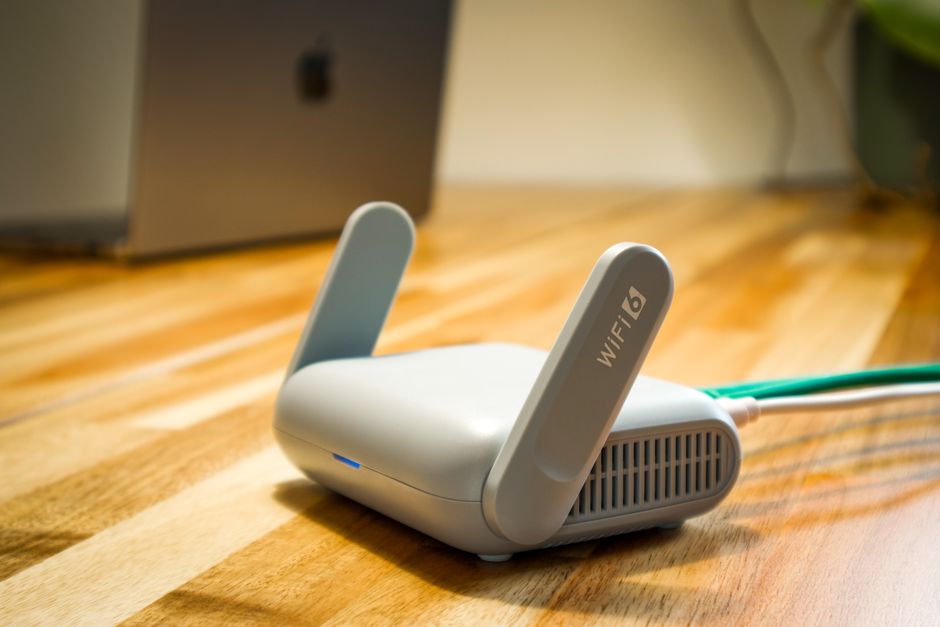
- Check Your Current Equipment: Is your router old? Does it support modern Wi-Fi standards like Wi-Fi 6 or 6E?
- Consider Your Internet Speed: Ensure your Wi-Fi setup can handle the speeds your ISP provides. No point in a great Wi-Fi system if your internet itself is slow.
- Evaluate Your Budget: Solutions range from simple extenders to comprehensive mesh systems.
- Think About Future Needs: Are you adding smart home devices? More users? Plan for growth.
Beyond the Single Router: Why Mesh Wi-Fi is Your Best Friend
For homes with thick walls and complex layouts, a single router acting as a Wi-Fi hub is like trying to light a large room with a single candle in a corner. It simply doesn’t work. The signal attenuates too quickly, especially through dense materials. This is where mesh Wi-Fi systems shine. Instead of one powerful box, mesh systems use multiple devices – a main router and several satellite nodes or access points – that communicate with each other to create a single, unified Wi-Fi network that blankets your entire home.
How Mesh Systems Tackle Thick Walls
Imagine placing several smaller, strategically positioned Wi-Fi emitters throughout your home. Each node picks up the signal from the main router (or another node) and re-broadcasts it, effectively leapfrogging the signal around obstacles. This means that instead of trying to blast through a two-foot thick stone wall, the signal might travel through one wall to a node, and then from that node, travel through another wall to reach your device. The cumulative effect is a much stronger, more consistent signal, even in areas previously prone to dead zones.
Brands like Google Nest Wifi, Eero, TP-Link Deco, and Netgear Orbi are popular choices and offer systems with varying capabilities and price points. For example, a Google Nest Wifi Pro setup often uses Wi-Fi 6E, providing faster speeds and less interference, which is particularly useful in densely populated areas of cities like São Paulo or London, where neighboring Wi-Fi networks can cause congestion.
Smart Home Ideas for Renters Who Cannot Change the Apartment: Your No-Fuss Guide
Strategic Placement: Location, Location, Location
Even with a mesh system, placement is key. You can’t just toss the nodes anywhere and expect miracles. Think of your home as a battlefield against signal interference.
Optimizing Node Placement for Maximum Reach
- Central is Best for the Main Router: Your primary mesh router should ideally be placed as centrally as possible, away from large metal objects, thick structural walls, and major appliances. Avoid putting it in a basement or a far corner.
- Line of Sight is Your Friend: While not always possible in older homes, try to place satellite nodes where they have a relatively clear path to other nodes or the main router. Even an indirect line of sight (e.g., through a doorway instead of a solid wall) makes a difference.
- improve Your Nodes: Placing nodes higher up on shelves or furniture, rather than on the floor, can help signals travel further and avoid furniture obstructions.
- Mind the Distance: Don’t place nodes too far apart, or they won’t be able to communicate effectively. Most manufacturers recommend nodes be within 30-50 feet of each other, depending on obstructions. Experimentation is often required to find the sweet spot. In a particularly challenging European manor house with massive stone walls, you might even need more nodes than initially estimated.
- Avoid Interference: Keep nodes away from microwaves, cordless phones, baby monitors, and large electrical appliances that can emit electromagnetic interference.
Wired Backhaul: The Secret Weapon for Ultimate Performance
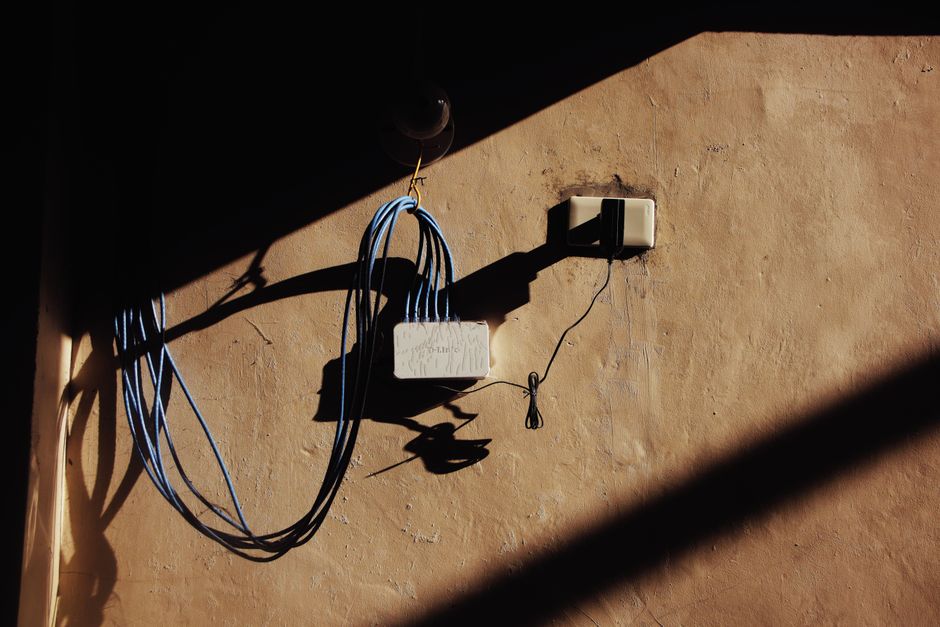
While mesh systems communicate wirelessly, you can often improve their performance dramatically by using an Ethernet cable to connect some of your nodes. This is called a “wired backhaul.”
The Power of Ethernet for Home Wi-Fi Old Buildings Thick Walls
In a wireless mesh setup, each node has to dedicate some of its wireless capacity to communicating with other nodes and the main router. This reduces the bandwidth available for your devices. With a wired backhaul, the nodes communicate over an Ethernet cable, freeing up all their wireless capacity for your phones, laptops, and smart devices. This is a practical advantage for home Wi-Fi planning for old buildings and thick walls, especially if you have very thick, signal-blocking walls.
Running Ethernet cables can be a bigger project, especially in an old house where drilling through walls isn’t ideal. However, options like powerline adapters (which use your home’s electrical wiring to transmit network data) or even existing coaxial cable networks (MoCA adapters) can be viable alternatives if traditional Ethernet isn’t feasible. For anyone in North America, MoCA is often overlooked but can leverage existing TV cabling for a solid wired backbone.
Beyond the Hardware: Configuration and Maintenance
Once your hardware is in place, a few software tweaks and good habits can further optimize your network.
Fine-Tuning Your Wi-Fi for Optimal Performance
- Firmware Updates: Always keep your router and mesh nodes updated. Manufacturers frequently release updates that improve performance, add features, and patch security vulnerabilities.
- Channel Optimization: Wi-Fi operates on different channels. If your neighbors are on the same channel, it can cause interference. Many modern routers and mesh systems automatically select the best channel, but if you’re experiencing issues, check your router settings or use a Wi-Fi analyzer app (like NetSpot or Wi-Fi Analyzer) to identify less congested channels. This is particularly relevant in crowded urban areas.
- Separate 2.4 GHz and 5 GHz Networks (if applicable): Some older or simpler mesh systems don’t allow this, but if yours does, consider creating separate SSIDs (network names) for your 2.4 GHz and 5 GHz bands. The 2.4 GHz band offers better range and penetration through walls but is slower, while 5 GHz is faster but has less range. This allows you to manually connect devices to the most appropriate band.
- Guest Networks: Utilize guest networks to keep visitors’ devices separate from your main network, enhancing security and potentially reducing congestion.
- QoS (Quality of Service): If your router supports it, QoS settings allow you to prioritize certain types of traffic (e.g., video streaming or online gaming) over others, ensuring a smoother experience for critical applications.
Embracing Modern Tech: USB-C, Passkeys, and Google Integration
While we’re talking about modernizing old homes with better Wi-Fi, it’s worth touching on how current technology trends simplify and secure our digital lives.
Simplifying Connectivity and Security
Many modern mesh systems and related devices now incorporate USB-C for power and sometimes data. This universal connector standard means fewer dedicated power bricks and more interchangeability, a small but welcome convenience. Imagine being able to use a single power adapter for your laptop, phone, and a mesh node, reducing clutter and simplifying travel.
Another area making our digital lives easier and more secure is the rise of passkeys. Instead of typing in complex passwords that are easily forgotten or stolen, passkeys use cryptographic keys stored on your device (like your phone or computer) for authentication. This eliminates password-related vulnerabilities and makes logging into services faster and more secure. While not directly related to Wi-Fi signal strength, a solid Wi-Fi network ensures your devices can quickly and securely communicate to use these modern authentication methods.
Technology for Small Apartments: Devices That Earn Their Space
Finally, platforms like Google (with Google Nest Wifi) are often at the forefront of user-friendly Wi-Fi management. Their companion apps typically allow for easy setup, parental controls, network diagnostics, and even smart home integrations, making it simple to manage your network even if you’re not a tech expert. This level of integration brings powerful tools to everyday users, helping to maintain a strong and secure home Wi-Fi old buildings thick walls setup.
FAQ – Home Wi-Fi in Challenging Environments
What is the best type of Wi-Fi for an old house with thick walls?
A mesh Wi-Fi system is generally the best solution for old houses with thick walls. It uses multiple interconnected nodes to broadcast a strong, consistent signal throughout the entire home, effectively bypassing thick architectural obstacles that a single router struggles with. Brands like Google Nest Wifi, Eero, and TP-Link Deco are popular options.
Will a Wi-Fi extender work through thick walls?
Wi-Fi extenders can sometimes provide a modest improvement, but they often struggle significantly through thick walls. They essentially repeat a weak signal, and if the initial signal is already poor due to obstructions, the extended signal will also be weak and slow. Mesh systems offer a more solid and integrated solution for comprehensive coverage.
Where should I place a mesh Wi-Fi node in a house with thick walls?
Place mesh nodes strategically where they have a relatively clear line of sight to other nodes or the main router, ideally elevated on shelves. Avoid placing them directly behind extremely thick structural walls or large metal appliances. Experiment with placement; aim for overlapping signal coverage to minimize dead zones caused by wall attenuation.
Do concrete walls block Wi-Fi signals more than other materials?
Yes, concrete walls are particularly effective at blocking and attenuating Wi-Fi signals. Their density and rebar content can absorb and reflect signals, making them one of the most challenging materials for Wi-Fi penetration. Brick, stone, and even older plaster-and-lath walls also significantly degrade signals compared to modern drywall.
Can I use my existing router with a mesh Wi-Fi system?
In most cases, you can use your existing ISP-provided modem, but you’ll typically replace its Wi-Fi functionality with the mesh system. Some mesh systems allow you to connect their main router to your existing router and run your existing router in “bridge mode” to avoid double NAT issues. Check your specific mesh system’s instructions for compatibility and setup recommendations.
Key Takeaways for Superior Home Wi-Fi in Older Homes
Navigating the challenges of home Wi-Fi planning for old buildings and thick walls doesn’t have to be a headache. The key is to understand that a traditional single-router setup is rarely sufficient. Instead, embrace solutions designed for broader coverage and better signal penetration.
Mesh Wi-Fi systems are your most effective tool, creating a resilient network that bypasses architectural obstacles. Thoughtful placement of nodes, considering factors like line of sight and elevation, will maximize their impact. And if possible, don’t underestimate the power of a wired backhaul for unparalleled stability and speed.
By leveraging these strategies and staying current with modern tech conveniences like USB-C and passkeys, you can improve your charming, old home into a fully connected, future-proof haven. Stop battling dead zones and start enjoying fast, reliable internet everywhere. Read more practical technology guides on Vie En Mots.