

A two-device tech setup, usually comprising a laptop and a smartphone, is an efficient strategy for managing personal and professional tasks across different environments like work, travel, and home. This combination allows for robust productivity with the laptop’s power for demanding tasks and the smartphone’s portability and quick access for communication and lighter work. It reduces complexity, minimizes redundant subscriptions, and ensures you have the right tool for every situation, whether you’re collaborating with small teams in Europe or staying connected during a trip across South America.
Think about the last time you felt bogged down by your tech. Maybe you were trying to edit a complex spreadsheet on your phone during a flight, or perhaps you realized you needed a full keyboard for an urgent email while away from your desk. It’s a common scenario, and for many, the instinct is to acquire more gadgets, hoping that each new piece of hardware will solve a specific problem. But often, more devices lead to more clutter, more charging cables, and more mental overhead.
Instead of adding complexity, a smarter approach often lies in simplification: optimizing around a core, versatile setup. For most professionals and small teams today, a focused two-device tech setup – specifically, a powerful laptop and a capable smartphone – strikes the ideal balance. It’s about choosing the right tools for the right job, ensuring that you’re equipped for deep work, quick communication, and everything in between, no matter your location.
Why a Focused Two-Device Tech Setup Makes Sense for Modern Life
The allure of having a tablet, a smart watch, a dedicated e-reader, and a dozen other gadgets is undeniable. Each promises a specific niche improvement. However, the reality of managing multiple operating systems, syncing data across disparate platforms, and keeping everything charged quickly becomes a drain. A two-device tech setup cuts through this complexity, offering a streamlined approach that covers 99% of most people’s digital needs without the associated hassle.
This approach isn’t just about reducing clutter; it’s about enhancing your actual workflow. When your primary devices complement each other, rather than compete, you spend less time switching contexts and more time being productive. For small teams, standardizing on a two-device model can also simplify IT support, reduce software licensing costs, and foster a more consistent collaborative environment, whether team members are in North America or working remotely from Europe.

Building Your Essential Two-Device Tech Setup: Laptop and Smartphone Strategies
The core of this setup is typically a laptop and a smartphone. The trick is to choose devices that synergize, allowing you to fluidly transition tasks and access information. Here’s how to strategize your choices:
1. The Laptop: Your Primary Productivity Hub
Your laptop is where the heavy lifting happens: extensive writing, complex data analysis, graphic design, video editing, and multi-application multitasking. Prioritize processing power, RAM, and a comfortable keyboard. For many, a laptop like the MacBook Pro or a high-end Dell XPS offers the performance and battery life needed for long work sessions. Consider a model with a decent webcam for video calls, a common necessity for small teams collaborating across different time zones, from Buenos Aires to Berlin.
Enjoy Fresh Coffee Anywhere With Outin Portable Innovation
2. The Smartphone: Your Mobile Command Center
Your smartphone serves as your on-the-go communication hub, quick information retrieval tool, and light productivity device. It’s where you check emails, manage calendars, capture quick notes, and stay in touch. Brands like Samsung with its Galaxy series, or Apple’s iPhones, dominate this space for good reason – they offer solid ecosystems, strong security, and excellent camera capabilities. Look for good battery life and a reliable network connection.
3. Cloud Integration: The Unseen Link
The magic of a two-device setup truly shines with solid cloud integration. Services like Google Drive, Microsoft OneDrive, or Dropbox ensure that your files are accessible and synchronized across both devices instantly. Start a document on your laptop, and pick it up on your phone (or vice-versa) without a second thought. This is critical for maintaining flow, especially when traveling through different regions where physical file transfer might be impractical.
4. Communication Consistency: Messages and Calls
Leverage apps that work across both platforms. WhatsApp, Slack, and Zoom all have excellent desktop and mobile clients. This ensures you never miss an important message or meeting invitation, whether you’re at your desk or navigating a busy market in Rio de Janeiro. For calls, consider services that route to both your phone and laptop, providing flexibility.
5. Security First: Password Managers and Biometrics
With just two devices, managing security becomes simpler but no less important. Implement a strong password manager like 1Password or LastPass across both devices. This ensures unique, complex passwords for all your accounts. Use biometric authentication (fingerprint, facial recognition) on both your laptop and smartphone for quick, secure access. Keeping your software updated is also paramount for protecting against vulnerabilities.
6. Power Management and Accessories
Invest in a multi-port charger that can handle both devices, reducing the number of adapters you carry. A portable power bank for your phone is invaluable, especially when traveling or during long commutes. Consider a good pair of noise-canceling headphones for focused work on either device, whether in a bustling office or a quiet cafe.
Comparing Device Ecosystems: Apple vs. Android/Windows
The choice between ecosystems is a major decision impacting your two-device setup. Each offers distinct advantages:
| Feature | Apple Ecosystem (iPhone + MacBook) | Android/Windows Ecosystem (Samsung Galaxy + Windows Laptop) |
|---|---|---|
| Integration | Renowned for ‘it just works’ seamless integration (Handoff, AirDrop, Universal Clipboard). Messages and calls often sync perfectly. | Strong integration exists, especially with Microsoft’s Phone Link and Google services. Less ‘baked in’ but highly customizable. |
| Software Variety | Excellent selection of premium apps, strong focus on user experience and privacy. | Vast app library, often more open-source options. Greater flexibility for side-loading and customization. |
| Hardware Choice | Limited hardware choices, but each is tightly integrated and high quality. Price point often higher. | Enormous range of manufacturers and price points. You can mix and match brands extensively. |
| Security/Privacy | Strong reputation for privacy and solid security features at the operating system level. | Good security, especially on flagship devices. Android’s open nature can lead to more variation, but Google’s continuous updates help. |
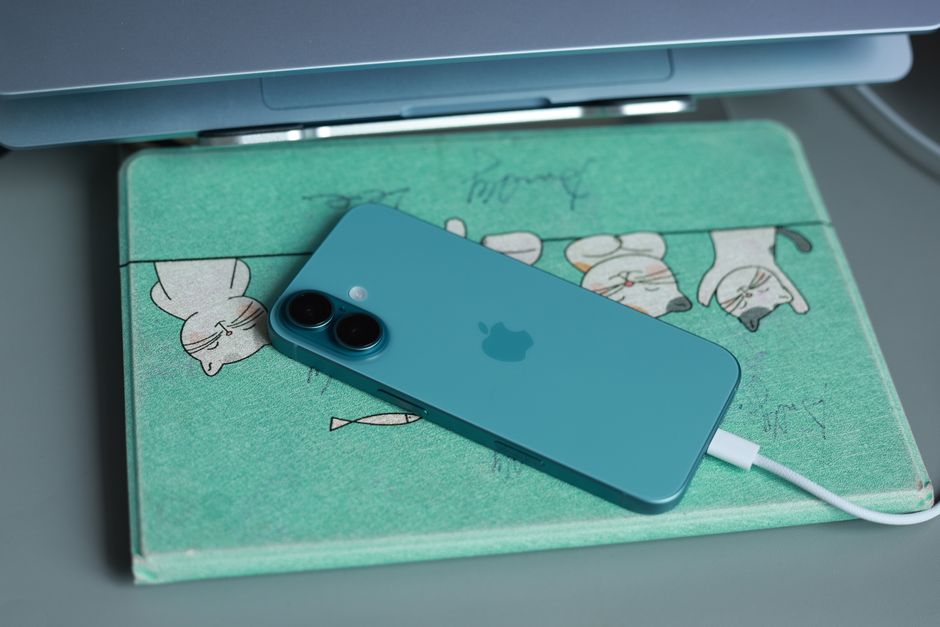
Common Mistakes to Avoid with Your Two-Device Setup
Even with the best intentions, it’s easy to fall into traps that undermine the efficiency of your two-device approach. A common mistake is not fully leveraging cloud services. If you’re still emailing files to yourself or relying solely on physical USB drives, you’re missing the core benefit of interconnected devices. Embrace services like Google Drive or Dropbox to ensure seamless access and version control across your laptop and smartphone.
How to Build a Quiet Desk Setup for Writing and Focus
Another pitfall is letting notification overload derail your focus. While a two-device setup offers constant connectivity, it also provides twice the opportunity for distraction. Be deliberate about which notifications appear on which device. Perhaps only urgent work messages on your laptop during work hours, and only personal texts on your phone. Disabling non-essential notifications can dramatically improve concentration.
Finally, neglecting device maintenance is a recipe for frustration. Ensure both your laptop and phone are regularly updated, backed up, and have sufficient storage. A sluggish device, whether due to outdated software or a full hard drive, negates any productivity gains you hoped to achieve. Regular digital hygiene is just as important as physical hygiene for your devices.
FAQ: Optimizing Your Two-Device Setup
Q: Is a Samsung phone a good choice for a two-device setup, especially with a Windows laptop?
A: Absolutely. Samsung phones, particularly the Galaxy series, integrate very well with Windows laptops. Microsoft’s ‘Phone Link’ app (formerly ‘Your Phone’) allows you to send texts, make calls, and access photos and apps directly from your Windows PC, creating a highly cohesive experience. This makes Samsung an excellent option for a two-device tech setup.
Q: How important are password managers for a two-device setup?
A: Password managers are critical for a two-device setup. They ensure you use strong, unique passwords for every account without having to remember them. Having the same password manager app on both your laptop and smartphone means you have secure access to all your credentials regardless of which device you’re using, significantly enhancing your overall security posture.
Q: Can an Apple iPad replace the laptop in a two-device setup for many people?
A: For some users, yes, an iPad with a keyboard accessory can replace a traditional laptop, especially for tasks like writing, browsing, and content consumption. However, for demanding professional software, extensive multitasking, or specific development work, a full-fledged laptop still offers greater power and flexibility. It depends on your specific workload and software requirements.
Q: What are the main benefits of a two-device setup for small teams collaborating internationally?
A: For small teams collaborating across regions like North America, Europe, or South America, a two-device setup simplifies IT management, reduces hardware costs, and ensures consistent access to cloud-based tools. It fosters a standardized workflow, making it easier to share files, communicate, and troubleshoot, irrespective of individual team members’ physical locations.
Q: How do I manage data storage efficiently across both devices?
A: Rely heavily on cloud storage services such as Google Drive, Dropbox, or iCloud Drive. Set these services to synchronize automatically. Store large files that aren’t frequently needed on external drives or in the cloud only, keeping your laptop and phone storage lean. Regularly review and delete unnecessary downloads and duplicates to maintain optimal performance on both devices.
For more practical guidance on optimizing your digital life and making technology work for you, read more practical technology guides on Vie En Mots.