
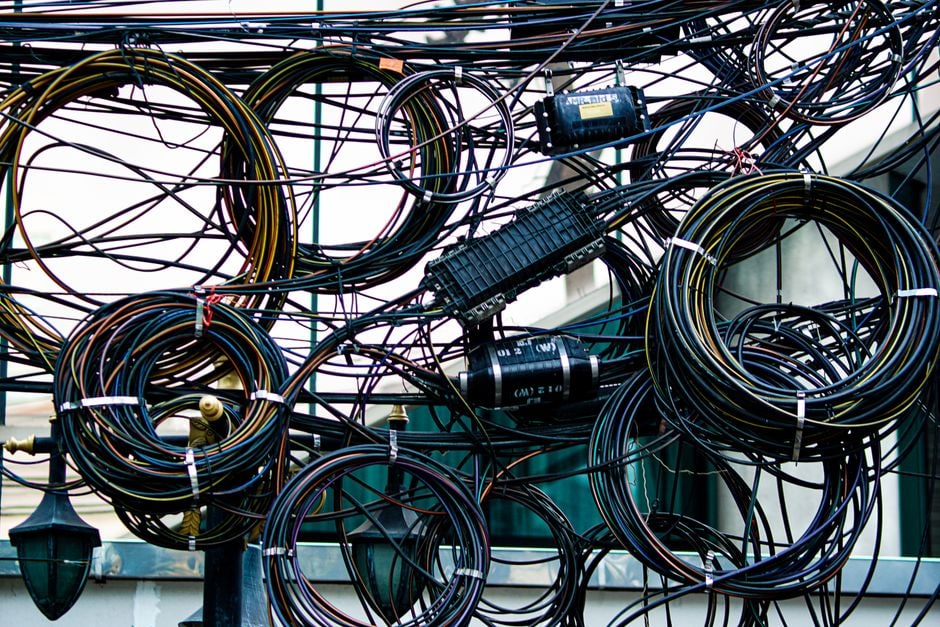
The everyday USB-C guide is designed to demystify the versatile USB-C port and cable, enabling users to reduce cable clutter and streamline their charging and data transfer needs. It’s about understanding that not all USB-C cables are created equal in terms of power delivery, data speed, and video output, and making informed choices to power devices like laptops, phones, and tablets with a single, universal solution. This guide will clarify common questions about chargers, cables, power delivery, and adapters, helping you confidently navigate the USB-C ecosystem.
Remember the days when every device came with its own unique charging port? Micro-USB for your Android phone, Lightning for your iPhone, proprietary connectors for laptops, and another dozen for everything else. Your travel bag, home office, and even your kitchen drawer became a graveyard of forgotten, tangled wires. It was an infuriating, expensive, and wasteful mess.
Enter USB-C, heralded as the universal connector that would simplify everything. And it has – mostly. The confusion now isn’t about the shape of the port, but what that port and the cable plugged into it can actually *do*. Can it charge your laptop? Transfer files at lightning speed? Connect to an external monitor? The answer is often ‘yes, but…’ and that ‘but’ is what trips up most people. This everyday USB-C guide aims to clear up that crucial ‘but’ for families across North America, Europe, and South America.
Getting Started: Your Quick USB-C Overview
Before we dive into the nitty-gritty, here are the essential points to grasp about USB-C:
- It’s a Shape, Not a Standard: USB-C refers to the physical connector. What it does depends on the USB standard (e.g., USB 3.2, USB4, Thunderbolt) it supports.
- Power Delivery (PD) is Key: USB-C can deliver significant power (up to 240W), but both the charger, cable, and device need to support the same PD profile.
- Data, Video, and Power Simultaneously: A fully-featured USB-C cable can handle all three at once, simplifying docking stations and external displays.
- Not All Cables Are Equal: A cheap USB-C cable might only do charging, while a more expensive one handles high-speed data and video. Check labels!
- Backward Compatibility: USB-C ports can often work with older USB standards via adapters, but you won’t get USB-C speeds or power levels.
- Future-Proofing: USB-C is the mandated charging standard in many regions, including the European Union, making it a wise investment.
The Power Paradox: Why Your USB-C Charger Matters
You’ve got a shiny new USB-C phone and a USB-C laptop. You grab the first USB-C charger you see, plug it in, and… nothing or slow charging. This is where the ‘power paradox’ comes in. It’s not just about the connector; it’s about the wattage.
Think of it like this: your car needs a certain octane fuel. If you put in low-octane, it might run, but not well. Similarly, your devices need specific wattage. A modern laptop like a MacBook Air or a Dell XPS might need 60W-100W, while a Google Pixel or Samsung Galaxy phone might only need 18W-45W. Most USB-C chargers clearly state their maximum wattage output (e.g., ’65W Power Delivery’).
Wattage and Compatibility: Reading the Fine Print
When buying a new charger, especially for travel across North America or South America where plug types vary, always check the wattage. A 65W charger can safely charge a 30W phone, but a 30W charger will struggle to charge a 65W laptop, often resulting in agonizingly slow charging or no charge at all if the laptop is in use. For families, having a few higher-wattage (65W-100W) multi-port USB-C chargers can reduce the number of power bricks needed significantly, potentially charging a laptop, a tablet, and a phone simultaneously.
The Rise of GaN Chargers
Gallium Nitride (GaN) chargers are a practical advantage. Brands like Anker, UGREEN, and Belkin offer GaN chargers that are significantly smaller and more efficient than traditional silicon-based chargers, making them perfect for travel or decluttering your desk. A single 100W GaN charger can often replace three or four bulky bricks.
Decoding the Cables: More Than Just Wires
This is arguably the most common source of USB-C frustration. You bought a USB-C cable, but it won’t display video to your monitor or transfer files quickly. Why? Because the cable itself has different capabilities, often indicated by its branding or included specifications.
Standard USB-C Cables: The Basics
Many basic USB-C cables are designed primarily for charging and basic data transfer (USB 2.0 speeds, 480 Mbps). These are inexpensive and fine for charging your earbuds or connecting your phone to your computer for occasional photo transfers. They typically can’t handle video output or high-speed data.
Greenworks Tools Brings Innovation to Every Outdoor Project
USB-C with USB 3.x/USB4/Thunderbolt: The Speed Demons
For high-speed data (e.g., external SSDs) and video output (e.g., connecting a monitor), you need a cable that explicitly supports these features. Look for:
- USB 3.2 Gen 1 (formerly USB 3.0): 5 Gbps data
- USB 3.2 Gen 2 (formerly USB 3.1): 10 Gbps data
- USB 3.2 Gen 2×2: 20 Gbps data
- USB4: Up to 40 Gbps data, often includes DisplayPort Alternate Mode for video.
- Thunderbolt 3/4: Up to 40 Gbps data, supports multiple 4K displays, external GPUs, and daisy-chaining devices. These are usually the most expensive but offer the most versatility.
A good rule of thumb: if it doesn’t explicitly state USB 3.x, USB4, or Thunderbolt, assume it’s a basic USB 2.0 cable. For connecting a Microsoft Surface Pro to an external monitor or a Mac to a high-resolution display, you absolutely need a full-featured USB-C or Thunderbolt cable.
Cable Length and Power Delivery
Longer USB-C cables (over 2 meters or about 6 feet) can sometimes have limitations, especially with high-wattage power delivery or high-speed data. If you’re experiencing slow charging or connection issues with a long cable, try a shorter one.
The Adapter Abyss: Bridging Old and New
While USB-C aims for universality, the real world still has plenty of older ports: USB-A, HDMI, Ethernet, SD card slots, and more. This is where adapters and docks come in.
For most users, a simple USB-C to USB-A adapter is a must-have for connecting older flash drives or peripherals. If you regularly connect to external monitors, a USB-C to HDMI or DisplayPort adapter is essential. Many laptops now rely solely on USB-C, making a multi-port hub or dock a crucial accessory, whether you’re working from a café in Rio de Janeiro or a home office in London.
USB-C Hubs vs. Docks
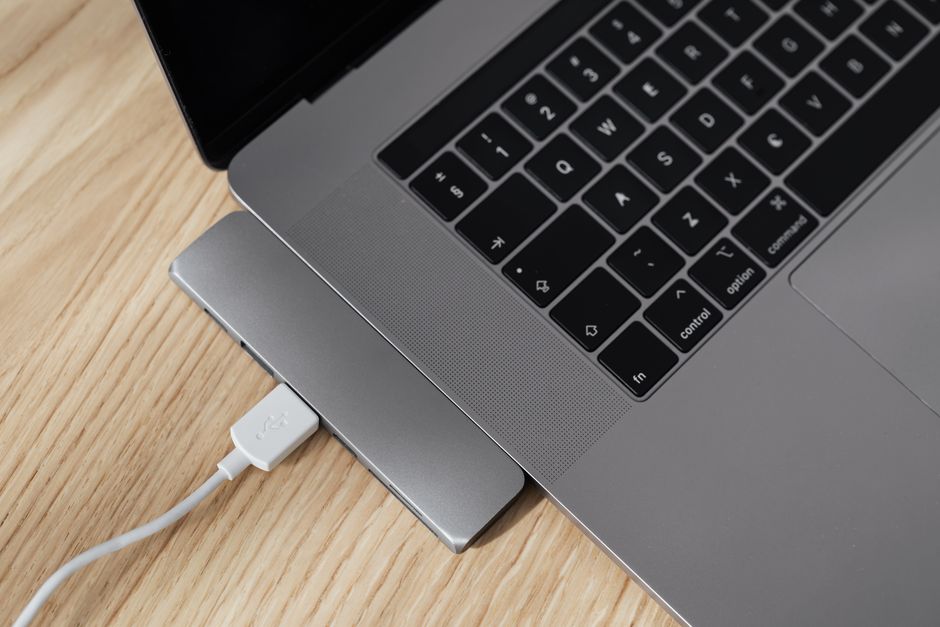
A USB-C hub is typically a smaller, portable device offering a few extra ports (e.g., 2x USB-A, 1x HDMI, 1x SD card slot). It’s great for travel or occasional use. A USB-C docking station is more solid, often requiring its own power supply, and provides a wider array of ports (Ethernet, multiple USB-A, multiple video outputs, audio jacks, etc.). These are ideal for a permanent desk setup, turning your laptop into a full desktop workstation with just one cable connection.
Understanding USB-C for Travel and Families
When you’re traveling, whether it’s a family vacation to the beaches of Brazil or a business trip through Europe, minimizing what you pack is always a win. USB-C truly shines here.
Universal Chargers for the Family Bag
Instead of packing individual chargers for everyone’s phone, tablet, and earbuds, invest in one or two multi-port, high-wattage GaN USB-C chargers. For example, a single 100W, 4-port USB-C charger can charge a laptop, two phones, and a tablet simultaneously. Just make sure you have the right international plug adapters for your destination (e.g., Type A/B for North America, Type C/F for much of Europe, Type N for Brazil).
Power Banks and Portable Power
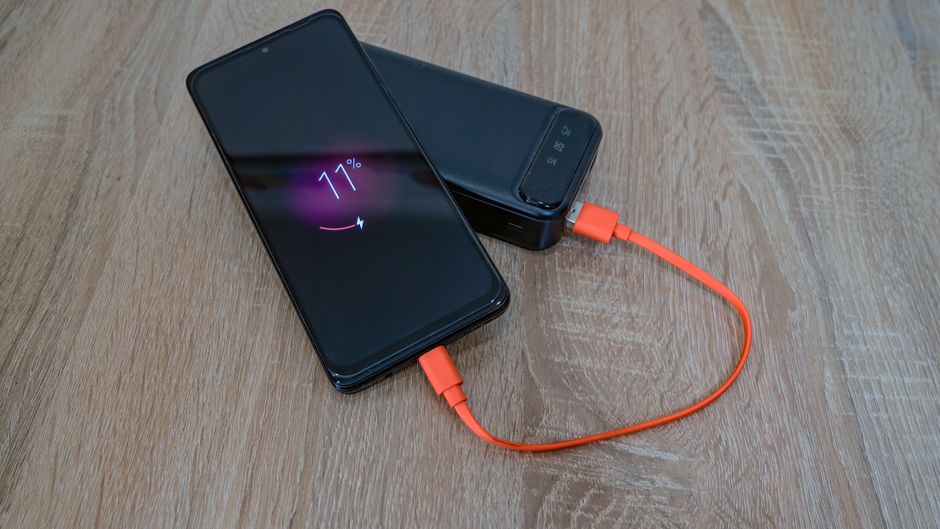
Many modern power banks feature USB-C Power Delivery, meaning they can not only charge your phone rapidly but also provide emergency power to a laptop. Look for power banks with at least 30W PD output for general use, or 65W+ if you need to reliably charge a laptop on the go. This is a lifesaver on long flights or during unexpected power outages.
Gamsgo Makes Streaming Subscriptions Simple and Budget-Friendly
The Future is Here: Wi-Fi 7, Passkeys, and USB-C Evolution
While USB-C is about physical connectivity, it plays a role in the broader tech ecosystem. As we move towards faster wireless standards like Wi-Fi 7, high-speed USB-C connectivity will be crucial for transferring massive files quickly from network-attached storage (NAS) devices to your computer. Imagine downloading a 4K movie in seconds – the USB-C cable connecting your dock to your laptop needs to keep up.
Security is also evolving. Technologies like passkeys, which offer a more secure and convenient alternative to traditional passwords, often rely on FIDO2 security keys that connect via USB-C. This means your everyday USB-C guide also touches on your digital security, ensuring you have the right hardware to protect your accounts.
Companies like Microsoft are increasingly embracing USB-C across their hardware lineup, from Surface devices to Xbox accessories, further solidifying its position as the de facto standard. This widespread adoption means fewer proprietary cables and more interoperability for everyone.
FAQ: Your USB-C Questions Answered
Can any USB-C cable charge my laptop?
No. While all USB-C cables can technically carry some power, many inexpensive or older USB-C cables only support low wattage (e.g., 5-15W). For charging laptops, you need a cable explicitly rated for USB Power Delivery (PD) and capable of handling the required wattage (e.g., 60W, 100W, or higher).
What’s the difference between USB-C and Thunderbolt?
USB-C is a physical connector shape. Thunderbolt (currently Thunderbolt 3 and 4) uses the USB-C connector but is a much more advanced technology standard, offering significantly higher data speeds (up to 40 Gbps), support for multiple 4K displays, and the ability to daisy-chain devices. All Thunderbolt cables and ports are USB-C compatible, but not all USB-C cables/ports are Thunderbolt-compatible.
Can I use a USB-C port to connect to an HDMI monitor?
Yes, but you’ll need a USB-C to HDMI adapter or a USB-C cable that supports DisplayPort Alternate Mode (Alt Mode) and has an HDMI connector on the other end. Not all USB-C ports or cables support video output, so check your device’s specifications and the cable’s labeling.
Why does my USB-C charger get hot?
It’s normal for USB-C chargers, especially high-wattage ones, to get warm during use. This indicates energy conversion. However, if it’s excessively hot to touch or emitting burning smells, unplug it immediately. This could indicate a faulty charger or cable, or an overloaded circuit.
Will USB-C work with my older USB-A devices?
Yes, but you’ll need an adapter. You can get a simple USB-C to USB-A adapter or a hub that includes USB-A ports. Keep in mind that while the USB-C port is modern, the data speeds will be limited by the older USB-A device or cable you’re connecting.
Key Takeaways: Simplifying Your Digital Life with USB-C
Navigating the world of USB-C doesn’t have to be a headache. By understanding a few core principles, you can significantly reduce cable clutter and ensure your devices are always powered and connected efficiently. The key is to remember that the USB-C connector is just the physical shape; the underlying technology (Power Delivery, data speed, video output) is what truly matters.
Always check the wattage rating on your chargers and the specifications on your cables. Investing in a few high-quality, multi-port GaN USB-C chargers and a couple of full-featured (USB4 or Thunderbolt) USB-C cables will serve you well for years to come, whether you’re at home in Bogotá or vacationing in Paris.
Embrace the universality of USB-C. It’s designed to streamline your tech life, offering a single solution for power, data, and video. Take the time to understand your specific needs, and you’ll find that the everyday USB-C guide truly helps you untangle your digital world.
Ready to explore more ways to make technology work for you? Read more practical technology guides on Vie En Mots.